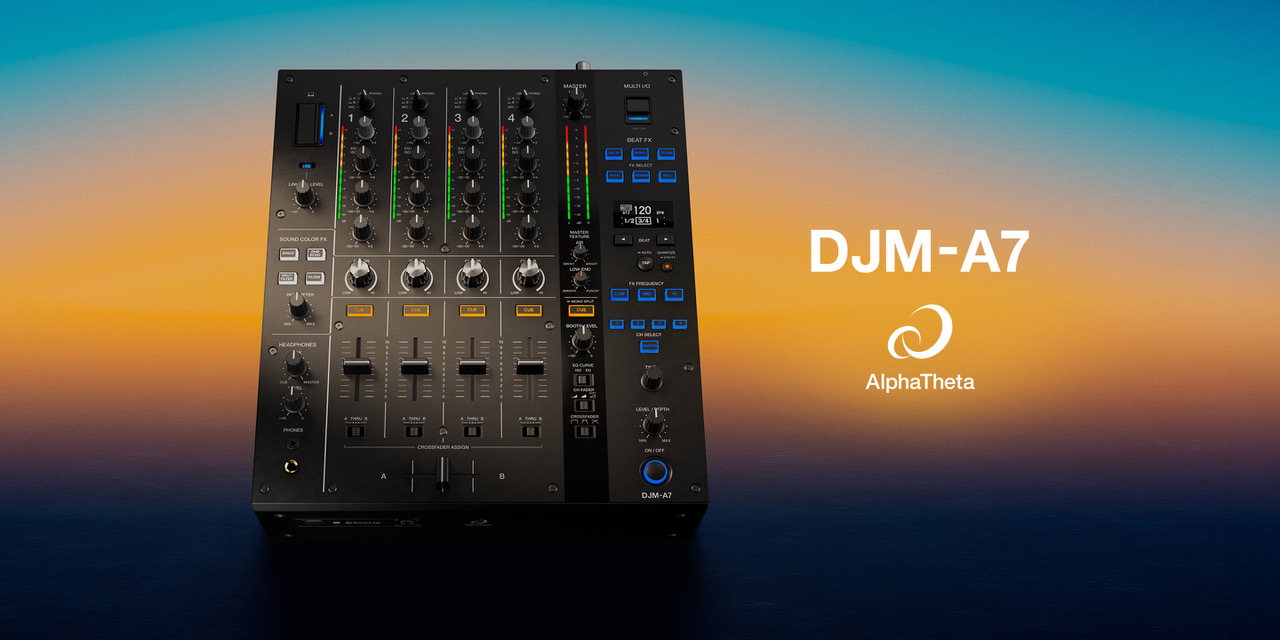
Introducing the DJM-A7, the 4-channel mixer that inherits the layout and ease of use of the DJM-A9 – Delivering a seamless DJing experience with support for a wide range of software and devices, alongside easy sound optimization to suit any space.
DJs are appearing in more places than ever before, from small clubs and bars to restaurants and even hotels, and many venues need a mixer that can accommodate different types of events. As DJs use a wide range of software and devices during their performances, demand is growing for mixers that support different setup styles. But where can DJs find versatility and professional sound quality when working in limited spaces and on a tight budget? The answer is the DJM-A7.
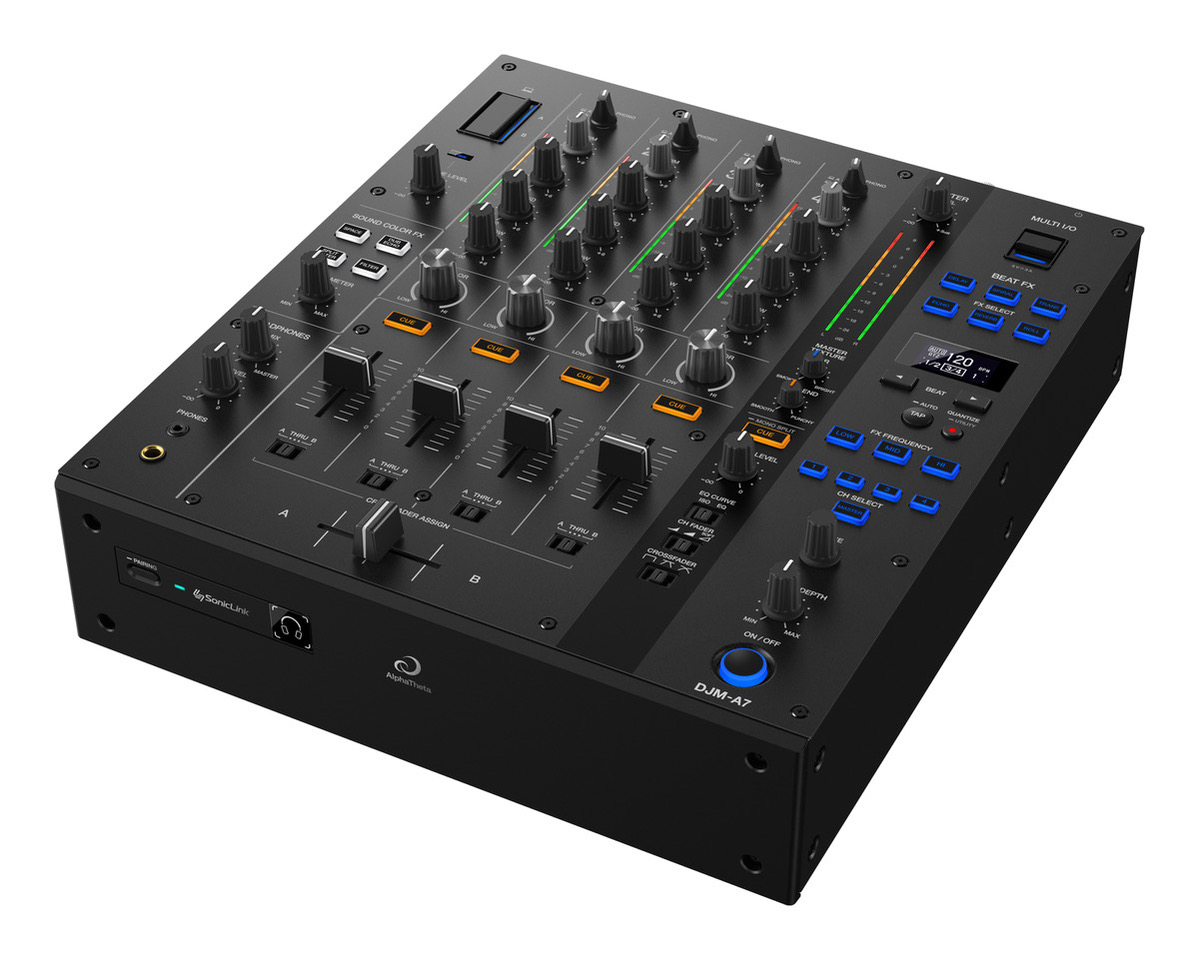
This new 4-channel mixer offers extensive compatibility with a wide variety of DJ software and devices, while keeping the setup process simple and straightforward. Inheriting the usability of the flagship DJM-A9, the DJM-A7 features two USB Type-C ports for connecting PC/Mac computers and mobile devices. This enables quick DJ changeovers and ensures smooth operation, even in compact DJ booths or venues where performers frequently rotate.
With its industry-first Master Texture feature*1, DJs and venue managers can easily optimize the mixer’s sound to suit the acoustics of the space, the genre of music being played, or the time of day, without needing a sound engineer. The mixer also features 4 Sound Color FX, including the new Split Filter, which modifies the midrange frequencies while preserving the groove of the playing track. And with illuminated FX SELECT buttons in the Beat FX section, you can easily choose the desired effect, even in dimly lit DJ booths, and apply it to your performance at exactly the right moment.
*1 As of July 2026, according to AlphaTheta research.
Extensive compatibility with DJ software and devices for flexible setups and seamless DJ changeovers
The DJM-A7 is compatible with leading DJ software applications, including rekordbox for Mac/Windows, djay Pro for Mac and Windows, djay for iOS, and Serato DJ Pro. With support for both mobile devices and PC/Mac computers, you can bring your preferred software and equipment and create the setup that best suits your style. Even better, like the flagship DJM-A9, the DJM-A7 features two USB Type-C ports, allowing you and another DJ to connect your computers or mobile devices simultaneously and switch between performances without having to hurriedly swap cables in the middle of a show.
Crystal-clear sound quality inherited from the DJM-A9, refined through listening tests in real venues
The DJM-A7 inherits the outstanding sound quality that made the DJM-A9 renowned, featuring a neutral sound signature that delivers balanced audio across a wide range of music genres and venues. The channel inputs and master, booth, and recording outputs are all equipped with premium 32-bit A/D and D/A converters manufactured by ESS Technology, Inc., delivering high-resolution sound with clear separation and minimal unwanted noise. Through extensive testing in a variety of environments, the audio profile has been optimized for different types of venues, from clubs and bars to lounge spaces.
Industry-first*1 Master Texture optimizes sound for any space without the need for a sound engineer
Do you move equipment between different areas of a venue? Do you host events in the same space at different times of day? Use the new Master Texture feature to easily adjust the sound coming from the speakers, optimizing it for the physical space and the atmosphere you want to create. With just two knobs, one controlling the Smoky/Bright textures of the Air parameter and the other adjusting the Smooth/Punchy textures of the Low End range, you can soften overly harsh high frequencies or add extra impact to the kick drum and bass by processing selected frequencies. This allows you to create unique sound characteristics in ways that a conventional equalizer cannot achieve. Even in venues without a dedicated sound engineer or with limited audio systems, Master Texture gives DJs and event organizers greater control over the overall sound, helping deliver consistent, professional results across a wide variety of environments.
Advanced mixing features and effects for more intuitive control, building on the DJM-A9
The DJM-A7 adopts the same channel-section layout as the DJM-A9, including the same 45 mm channel faders. It also features the Soft Mix Curve fader setting, which slightly reduces high frequencies as you lower a channel fader, producing more natural and seamless mixes and enabling more nuanced performances.
With Sound Color FX and Beat FX, a wide range of creative possibilities is right at your fingertips. Sound Color FX includes the new Split Filter, which lets you primarily shape the midrange frequencies while preserving the rhythmic character of the high and low frequencies. This adds variation to transitions, such as buildups, without losing the energy of the track.
For Beat FX, the effect-selection control has been changed from a rotary knob to six illuminated buttons. This makes it easier to select an effect or identify which one is active, even in dimly lit DJ booths, and quickly incorporate it into your performance.
SonicLink™ for wireless monitoring and maximum freedom of movement
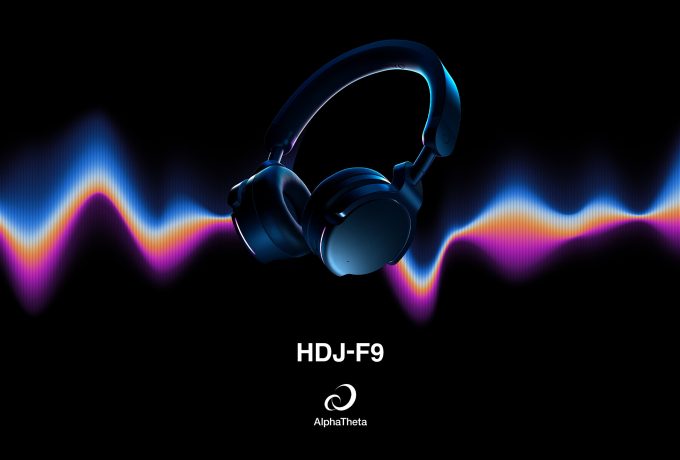
With AlphaTheta’s proprietary ultra-low-latency wireless technology, SonicLink, you can enjoy the freedom of wireless monitoring when using compatible headphones. The DJM-A7 also supports SonicLink Touch Pairing*2 with the HDJ-F9 headphones: simply hold the headphones near the mixer to connect them and start performing immediately. With no cables getting in your way, you can focus entirely on your performance.
*2 To use SonicLink Touch Pairing, update the DJM-A7 to the latest firmware version.
Link Cue: supporting track selection without interrupting the flow
When connected to compatible PRO DJ LINK™ multi-players, the DJM-A7 supports Link Cue, allowing you to monitor an unloaded track or a different playback position within the currently playing track through your headphones.
With Touch Preview on a compatible multi-player, simply touch a track on the browsing screen to preview it without loading it onto a deck. With Touch Cue, you can touch the waveform of the playing track to privately listen to what will play next.
Together, these features help you select your next track and plan the timing of your mix without interrupting the music playing through the speakers. A dedicated Link Cue knob on the mixer also lets you adjust the monitoring volume when using Touch Preview or Touch Cue.*3
*3 Touch Preview and Touch Cue require a compatible CDJ.
MULTI I/O ports for a more streamlined setup with RMX-IGNITE
Connect the RMX-IGNITE effects unit to the DJM-A7’s MULTI I/O port using a single USB cable for a quick, streamlined setup that keeps your DJ booth organized. Audio signals are transmitted and received digitally between the two units, reducing the sound quality degradation associated with A/D and D/A conversion and enabling high-quality audio transmission.
Discover more on the official product page!